A demo page for reading and sending metadata is available in ..evo-webroot/demo/.
jsonMetaWriteTest.html
This demo page allow you to send metadata in the stream using some stream configuration
- Access the test page
demo/jsonMetaWriteTest.html
   http://<EMS_IP>:<WebserverPort>/demo/jsonMetaWriteTest.html
   http://127.0.0.1:8888/demo/jsonMetaWriteTest.html
-
Enter Host, Port and Stream you want to connect to:
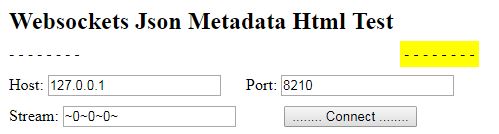
Note: The stream ~0 ~ 0 ~ 0 ~ means it will write to all stream names
-
Click Connect
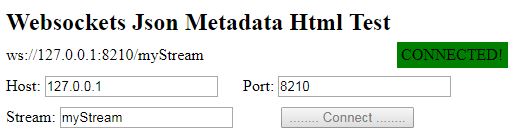
-
Change details in the stream configuration then click Send

jsonMetaTest.html
This demo page reads the metadata in your stream.
-
Access the test page
demo/jsonMetaTest.htmlhttp://<EMS_IP>:<WebserverPort>/demo/jsonMetaTest.html http://127.0.0.1:8888/demo/jsonMetaTest.html
-
Enter Host, Port and Stream you want to connect to:
Note: The stream ~0 ~ 0 ~ 0 ~ means it will read the metadata in all stream names
-
Click Connect
-
The metadata sent to the stream name will be shown in the page:
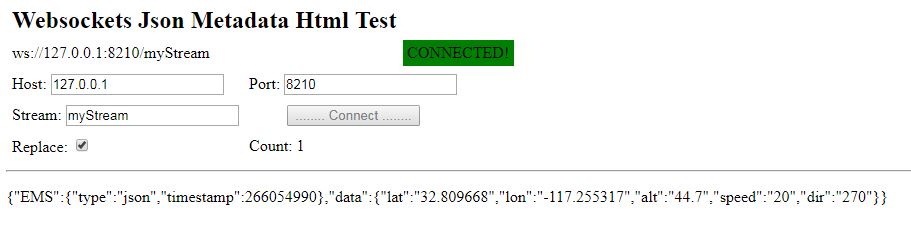
Note:
The jsonMetaTest page should be opened prior in sending the metadata. It will not show the metadata sent before the page is opened.